Your phone is now a smart dash cam
Record every drive in HD with speed, time and location. Impacts are saved automatically, and a one-tap incident report is ready for your insurer.
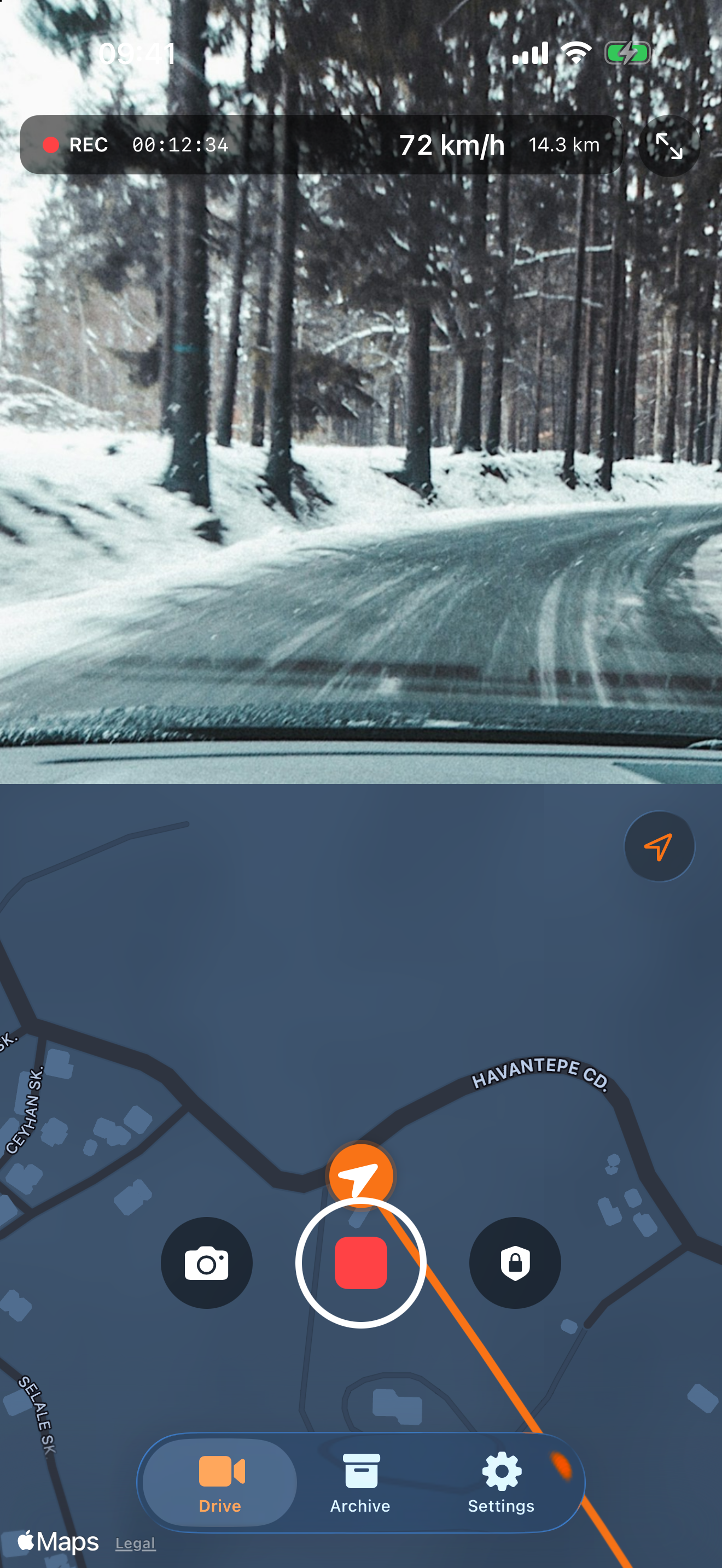
Record every drive in HD with speed, time and location. Impacts are saved automatically, and a one-tap incident report is ready for your insurer.
Designed to be fast, reliable and beautiful.
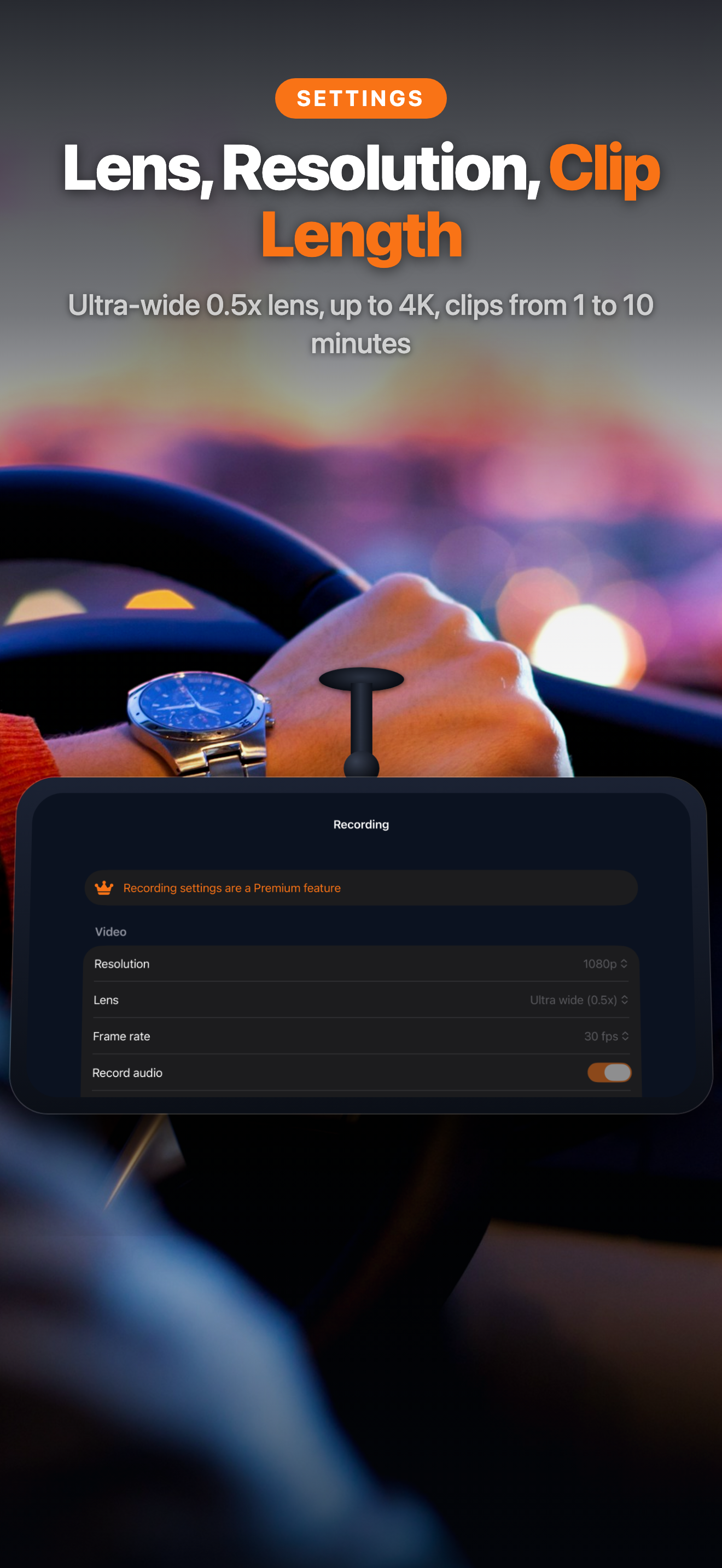
Up to 4K/60fps. Older clips are recycled automatically so you never run out of space.
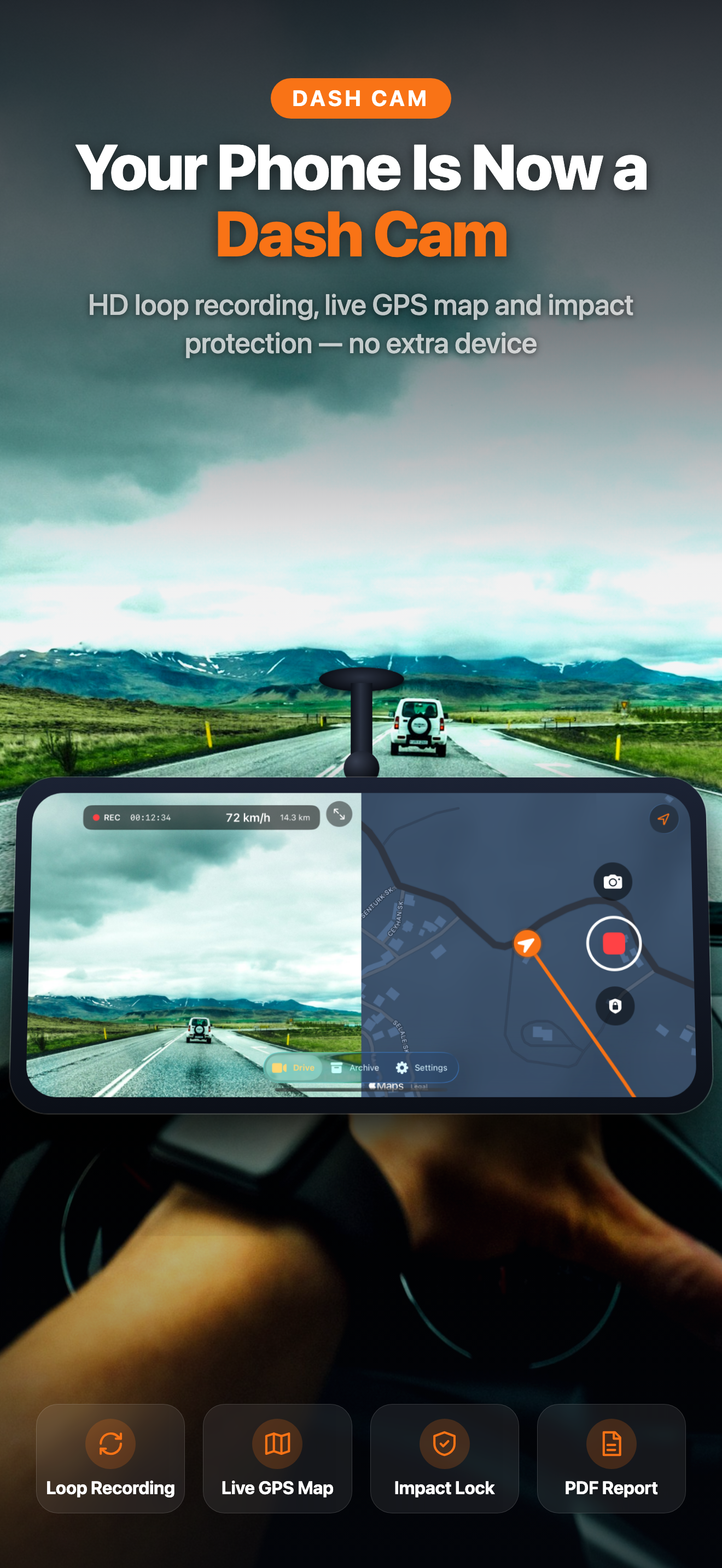
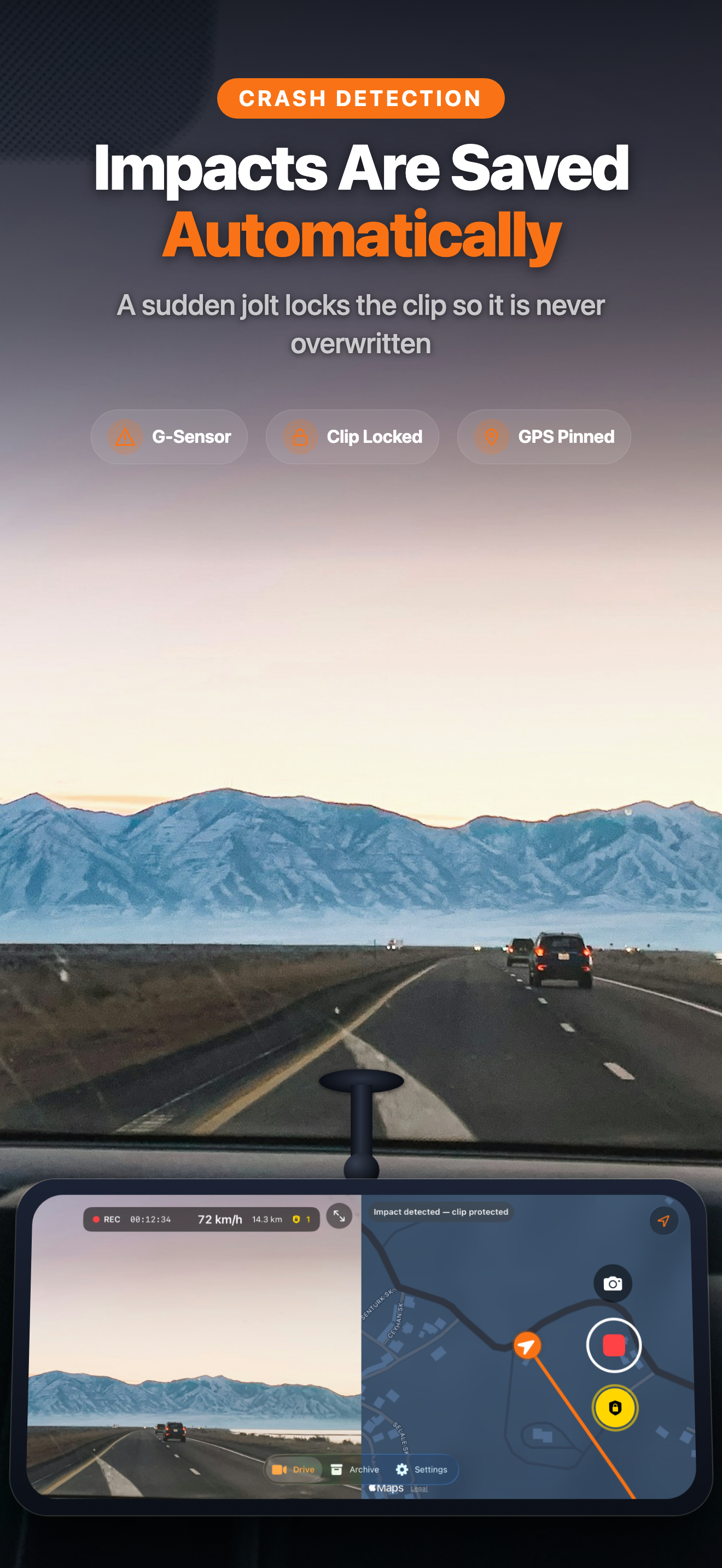
Half the screen records the road, the other half shows your live route and speed.
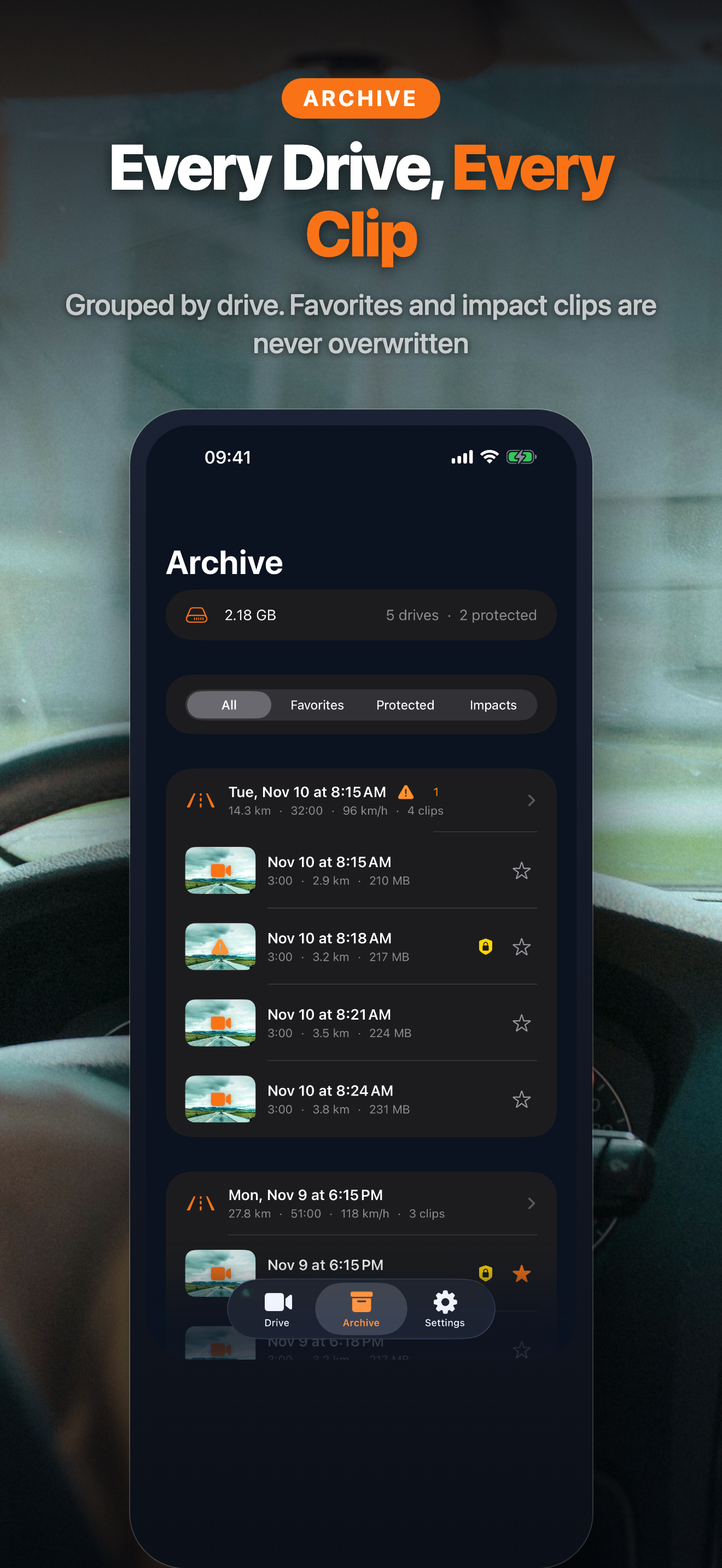
A sudden jolt locks the last minutes so the evidence is never overwritten.
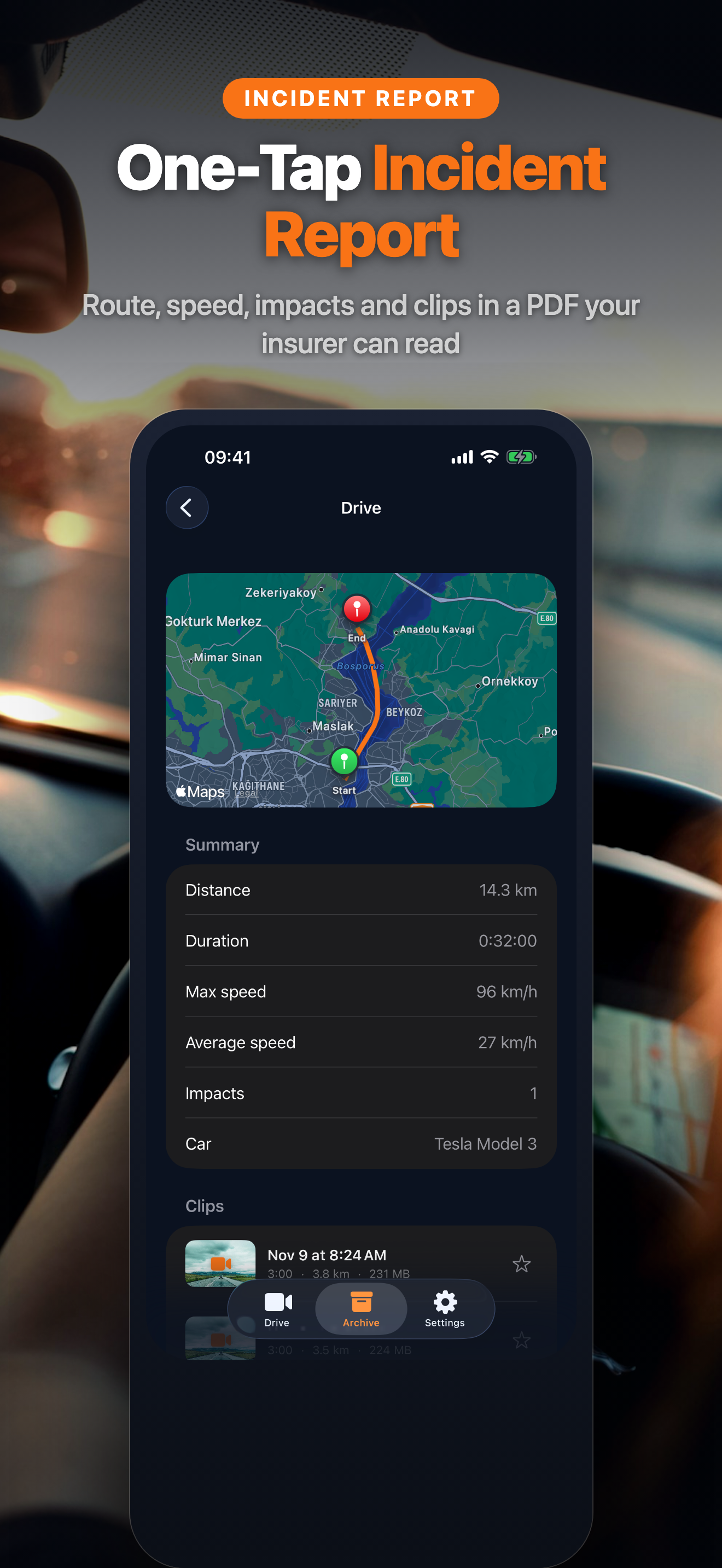
Route map, speed chart and clips in one file, ready to send to your insurer.
Distance, duration, max speed and route for every trip.
Start recording, protect a clip and glance at your speed from your wrist.
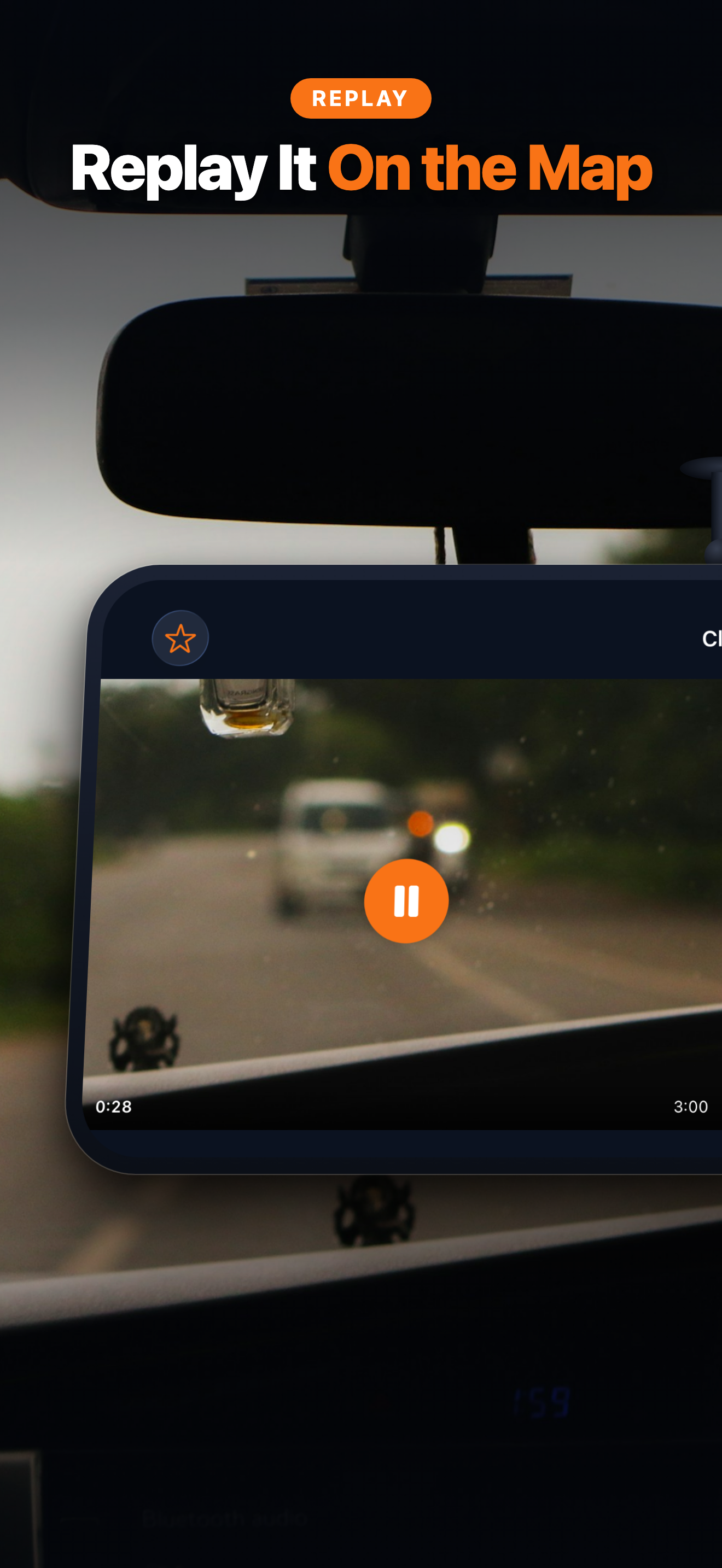
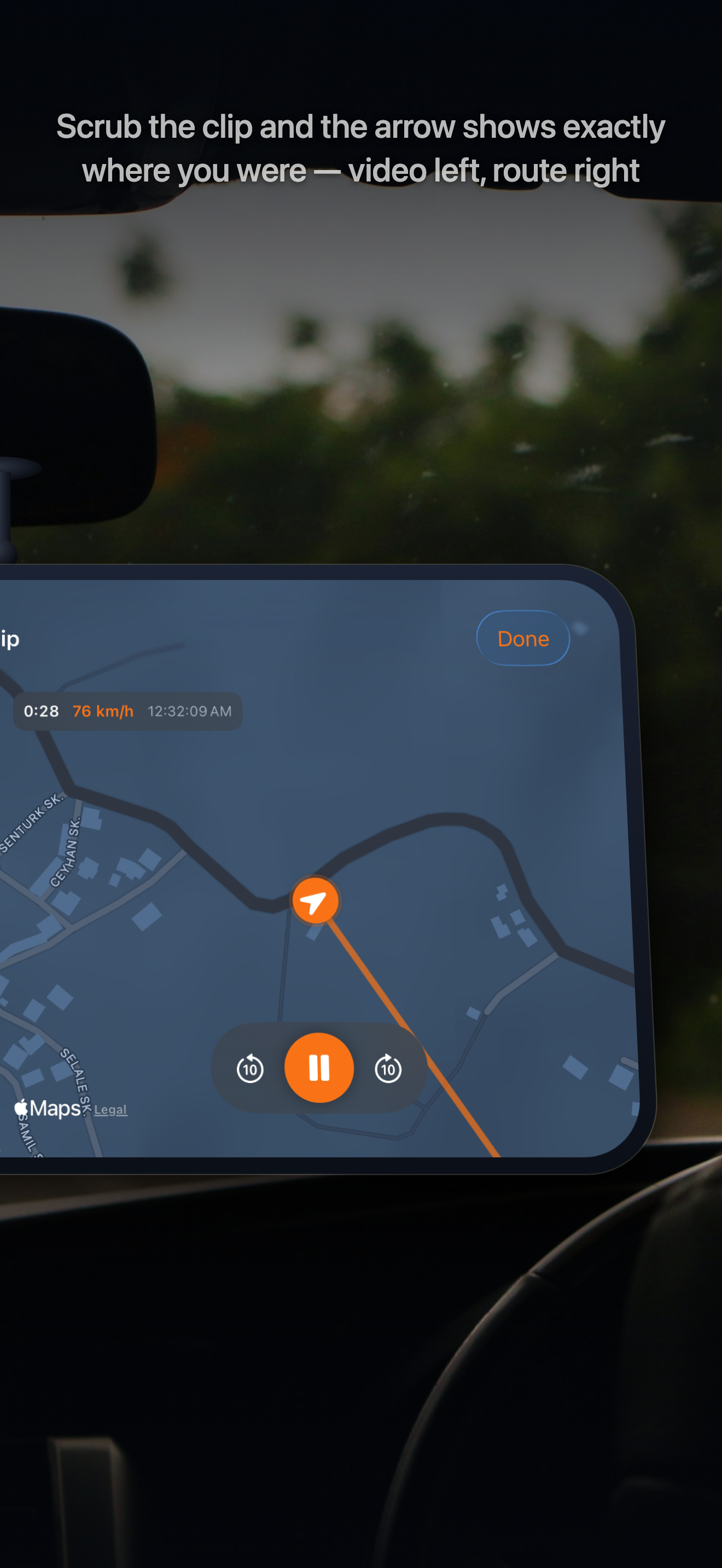
Screens from the app.
Quick answers to common questions.
iOS does not allow camera recording in the background. Keep the app open and the phone mounted; the split camera + map view is designed exactly for that.
You set the budget (1–32 GB). The oldest unprotected clips are recycled automatically; protected clips are never deleted.
Speed, time and position are stored with every clip and shown in the app and in incident reports.
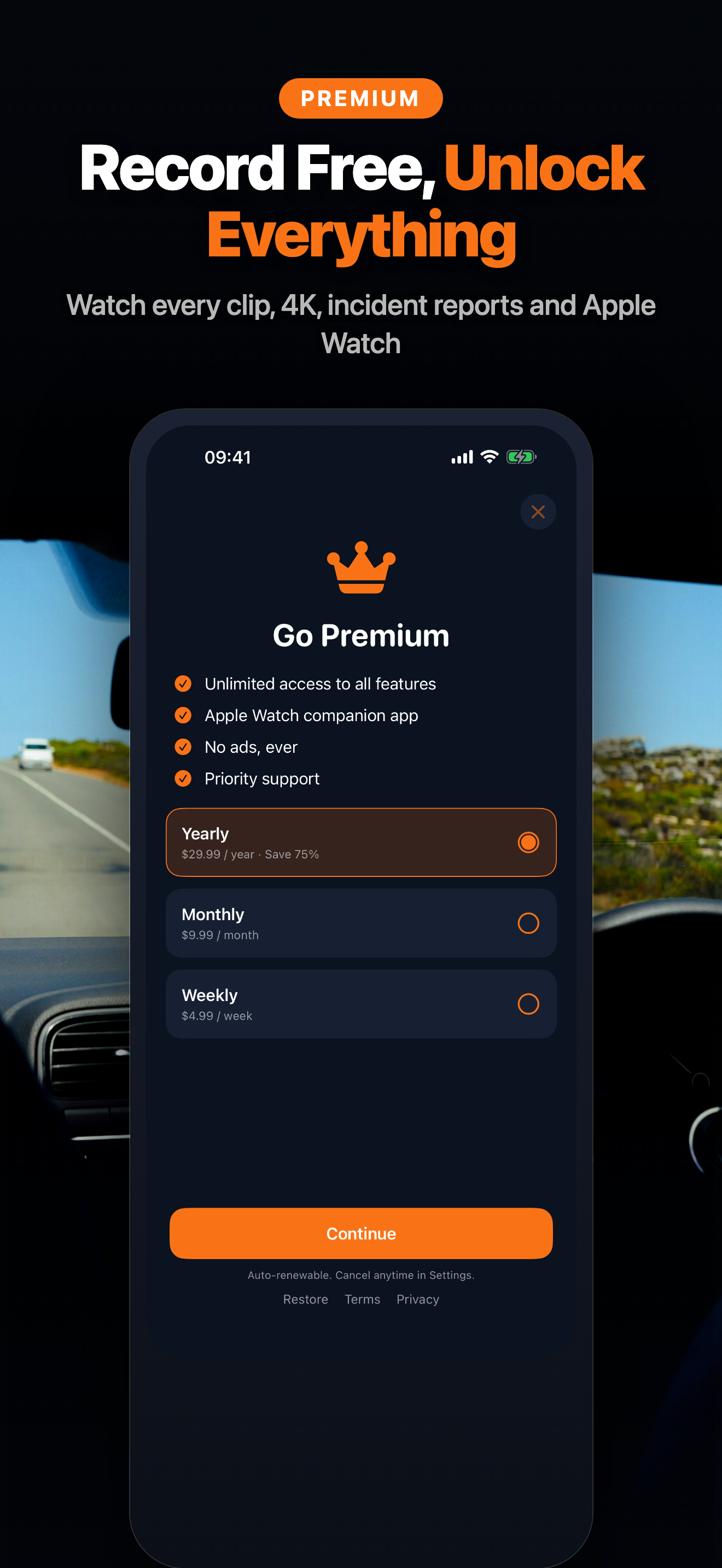
Yes. 1080p recording with a 1 GB loop is free. Premium unlocks 4K, unlimited protected clips and incident reports.
